April Fools' Day comes and goes, leaving behind the playful pranks and fake news that make us question everything—even if just for a moment.
Sadly, scammers don't take a break.
Spring marks a peak period for cybercriminal activity. It's not due to negligence, but because people are busy, distracted, and moving quickly.
That's when deceptive schemes slip through unnoticed—blending seamlessly into everyday workflows until it's too late to react.
Here's a rundown of three active scams targeting savvy, dedicated employees trying to keep their tasks on track.
As you review these examples, ask yourself: Would my team consistently spot these threats before harm occurs?
Scam #1: The Toll or Parking Notification Text
An employee gets a text alert:
"You owe $6.99 in unpaid toll fees. Pay within 12 hours to avoid penalties."
The message references a legitimate toll system like E-ZPass, SunPass, or FasTrak, matching the employee's location. The small charge feels routine and non-threatening.
Between meetings, they tap the link, pay, and move on.
But the link is a trap.
In 2024, the FBI received over 60,000 reports of fake toll payment texts, with incidents soaring 900% in 2025. Cybercriminals have set up tens of thousands of counterfeit domains to mimic official toll websites, showing how lucrative this scam has become. There are even reports of these texts reaching people where no toll roads exist.
Why is this scam successful? Because a $6 charge feels safe, and most people have recently encountered tolls or parking fees, making the alert believable.
The defense strategy: Legitimate toll agencies never demand instant payment via text. Educate your team to avoid clicking payment links in messages. Instead, they should verify any charges by logging directly into official apps or websites. Never respond to texts—including replying "STOP"—to avoid confirming your number is active and attracting more scams.
Remember: convenience is the lure; strict processes are your best shield.
Scam #2: 'Your Shared File Is Ready'
This scam infiltrates routine work communications.
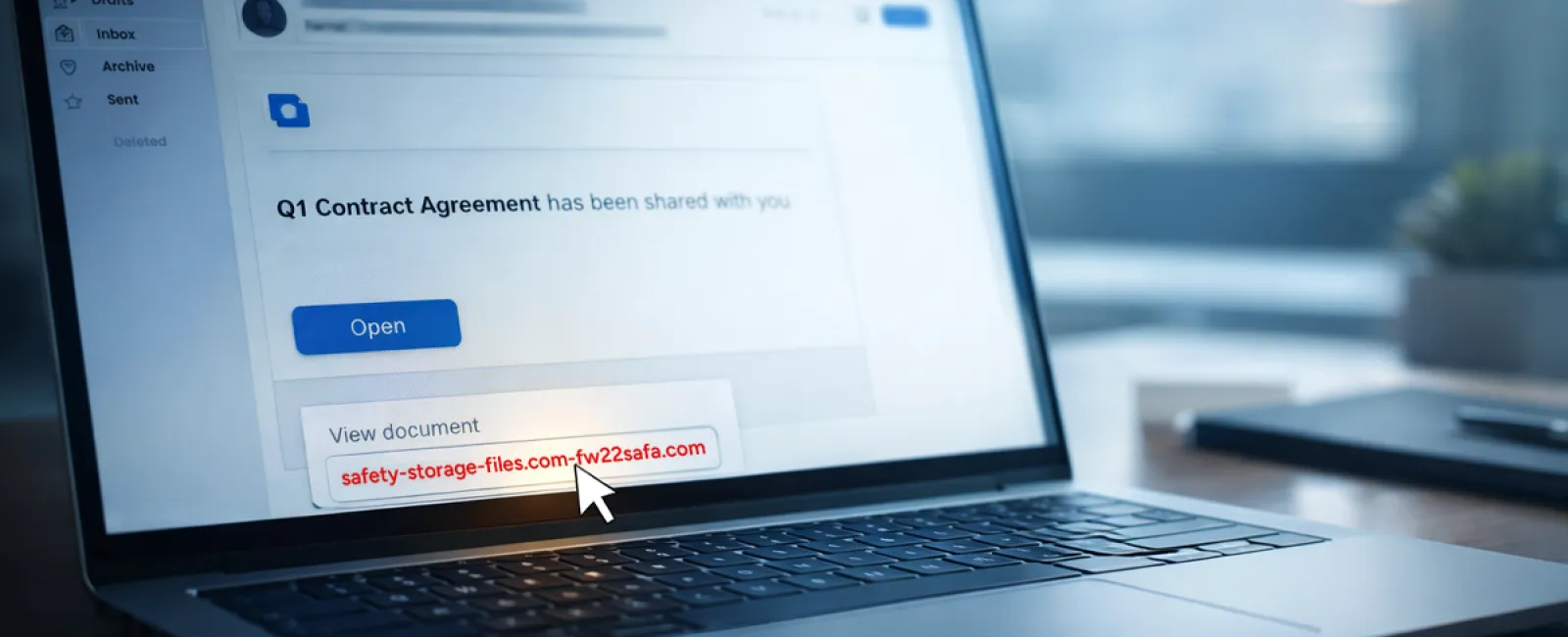
An employee receives an email about a shared document—often a contract via DocuSign, or a spreadsheet hosted on OneDrive or Google Drive.
The sender appears legitimate. The format matches real file-share notifications.
They click the link, prompted to log in, and input their work credentials.
At that point, attackers gain access, penetrating your company's cloud environment.
These attacks have surged. KnowBe4's Threat Labs report a 67% rise in phishing campaigns exploiting trusted platforms like Google Drive, DocuSign, Microsoft, and Salesforce in 2025. Phishing using Google Slides links skyrocketed over 200% within six months.
Worryingly, employees are seven times more likely to click malicious links appearing to come from OneDrive or SharePoint compared to random emails, since these notifications look genuine.
Even trickier, cybercriminals now create malicious files inside compromised accounts, then use legitimate sharing functions to send notifications from official Google or Microsoft servers. Your spam filters won't flag these because they originate from authentic sources.
How to guard against this: Train employees to avoid clicking unexpected shared file links in emails. They should access files by logging directly into the relevant platform through their browser. If the file is legitimate, it will appear there. Further protection includes limiting external sharing permissions and enabling alerts for suspicious login activity—simple IT configurations that take about 15 minutes.
Simple habits create strong defenses.
Scam #3: The Expertly Written Email
Gone are the days when phishing emails were easy to spot thanks to poor grammar and odd formatting.
In 2025, an academic study revealed AI-crafted phishing emails generate a 54% click rate—over four times the 12% click rate of human-written scams. Why? These emails look authentic, mentioning real company names, titles, and workflows—pulled quickly from LinkedIn and websites.
The latest trend involves tailoring messages by department. HR and payroll receive fake employee verifications; finance teams get fraudulent vendor payment change requests. In one test, 72% of employees interacted with vendor impersonation emails, which is 90% higher than other phishing types. These messages are calm, professional, urgent—but not alarmist—making them appear like any other working day email.
Strong defenses include: Always verifying any request involving credentials, payment changes, or sensitive data through a separate channel—call, chat, or face-to-face. Teach staff to hover over sender emails to check domains before clicking. Treat any message that creates undue urgency as suspicious—real security doesn't rely on panic.
Security thrives on caution, not pressure.
The Core Issue
These scams rely on familiarity, authority, timing, and the belief that "this will only take a moment."
The true risk is not careless employees—it's systems that assume everyone will always pause, double-check, and make flawless decisions under pressure.
If one hurried click can disrupt your business, it's not a people problem—it's a process problem.
Fortunately, process problems are solvable.
How We Support You
Most business owners don't want to add more to their plates by managing complex security projects or constantly educating their teams on what not to click.
They just want assurance that their business is shielded from hidden threats.
If you're worried about your team's exposure—or know someone who should be—let's have a straightforward conversation.
Book a discovery call to discuss:
• Current risks targeting businesses like yours
• How threats infiltrate everyday work unnoticed
• Practical solutions to minimize exposure without slowing productivity
No pressure. No hype. Just an honest discussion to identify vulnerabilities and explore how to fix them.
Click here or give us a call at 866-523-2985 to schedule your free 15-Minute Discovery Call.
If this doesn't apply to you, feel free to share it with someone who'd benefit. Sometimes, knowing what to watch for is enough to prevent a costly mistake.