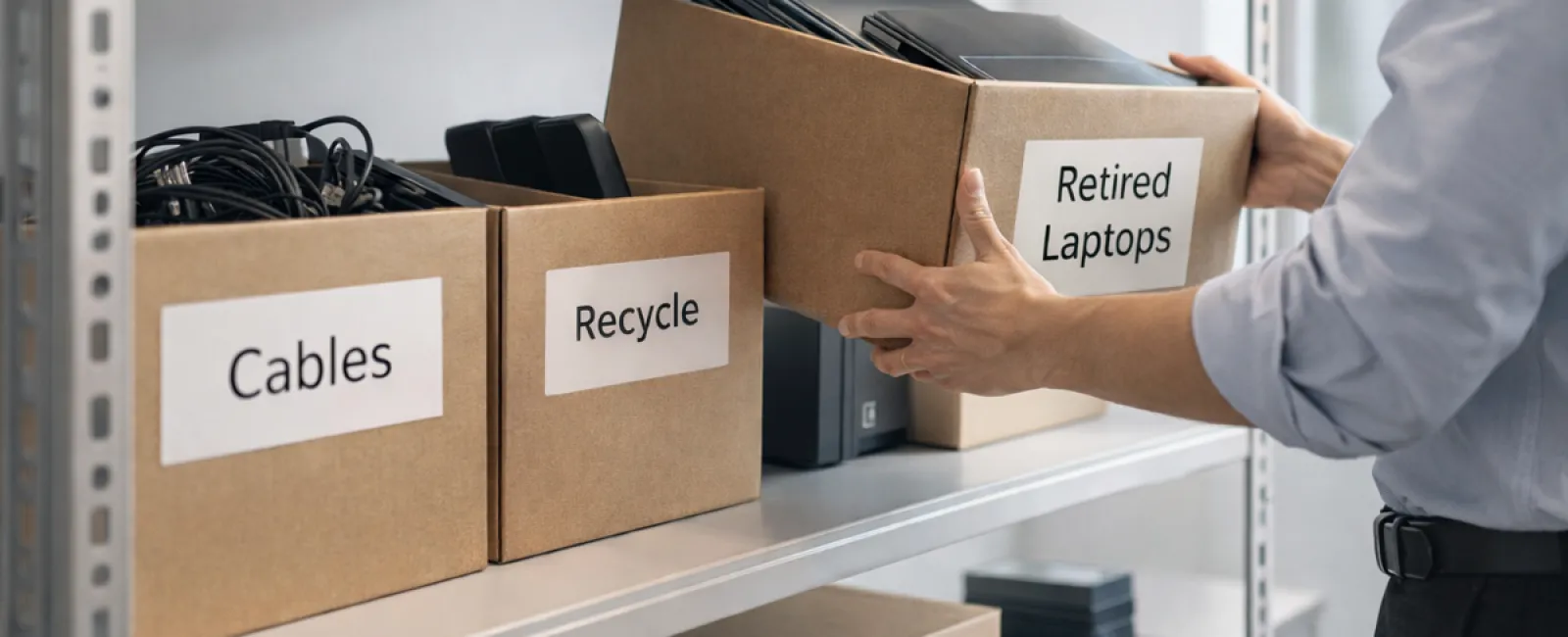
When businesses embark on spring cleaning, they often start with closets. However, the real mess often lies beyond, hidden within server racks, storage rooms, back offices, or forgotten piles marked "we'll handle this later."
Accumulated tech like obsolete laptops, outdated printers, backup drives from past upgrades, and boxes of cables kept "just in case" tend to pile up relentlessly in most companies.
It's inevitable for every business, but the crucial question is: Do you have a strategic plan for managing this outdated technology?
The Lifecycle of Technology Extends Beyond Its Purchase
New equipment acquisitions are usually justified by enhanced speed, improved security, superior capabilities, or growth support.
While most companies carefully plan their technology purchases, very few have a clear strategy for how to properly retire these assets.
Tech retirement often happens quietly: devices get swapped out, set aside, and eventually someone attempts to free up space.
This is typical, but rarely do companies treat equipment retirement with the same careful attention as their acquisition.
Old hardware still holds value, whether as reusable components, recyclable parts, or sensitive stored data. Yet, neglected devices can become operational hindrances by occupying valuable space and diverting focus.
Spring presents an ideal opportunity to reassess: Which devices remain useful and which are simply taking up room?
A Straightforward Four-Step Method to Declutter Your Tech
Transform your intention into action with this clear four-step plan.
Step 1: Conduct a Thorough Inventory
Identify what tech is being retired—laptops, phones, printers, networking equipment, external drives. You can't manage what you haven't accounted for, and a simple walkthrough often uncovers more than anticipated.
Step 2: Determine Each Device's Destination
Devices typically fall into three groups: reuse (internally or via donation), recycle (through certified e-waste programs), or destruction (when data privacy requires it). The key is making deliberate choices to avoid indefinite storage.
Step 3: Prepare Devices with Precision
Attention to detail here is crucial.
For reused or donated devices, remove them from management systems, revoke user access, and fully erase data—not just a factory reset. Simply deleting files or quick formatting doesn't eliminate data, only hides its location.
Research by data security firm Blancco uncovered that 42% of resold drives on eBay still contained sensitive info like tax and passport records, despite sellers' claims of wiping. Certified data erasure overwrites every sector and provides a verification report.
For recycling, choose certified e-waste providers—not dumpsters or curbside. Note: Best Buy's popular recycling is for residential customers, not businesses.
Businesses need certified IT asset disposition (ITAD) or business-focused recyclers with e-Stewards or R2 certification (directories at e-stewards.org and sustainableelectronics.org). Your IT partner can usually help coordinate.
If destruction is necessary, opt for certified wiping or physical methods like shredding or degaussing, and keep documented records including serial numbers, methods, dates, and handlers.
This process isn't paranoia—it ensures secure and responsible closure.
Step 4: Document and Move Forward
After equipment leaves your premises, know exactly where it went, how it was processed, and confirm access removal. Thorough documentation eliminates lingering doubts.
Don't Overlook These Often Forgotten Devices
Laptops often get attention, but other tech may slip under the radar.
Phones and tablets can still harbor email accounts, contacts, or authenticator apps. Factory resets cover basics, but certified mobile wiping tools are more secure. Major brands like Apple and Samsung offer trade-in programs that may give credit toward new devices.
Modern printers and copiers usually contain internal hard drives storing every document they've handled. If returning a leased device, secure written confirmation that the drive will be wiped or removed before redeployment.
Batteries are considered hazardous waste by the EPA. Many states, including California, New York, and Minnesota, prohibit businesses from discarding rechargeable batteries in regular trash. Remove batteries, tape terminals to avoid shorts, and bring them to certified collection points. Visit Call2Recycle.org for locations; many stores like Staples, Home Depot, and Lowe's accept them.
External drives and retired servers often linger in closets longer than intended. They require the same thoughtful retirement process as other equipment.
Important Reminder About Recycling
Earth Day in April is a great reminder that electronics must never end in landfills. Globally, over 62 million metric tons of e-waste are produced annually, yet only 22% is properly recycled. Batteries, monitors, and circuit boards belong in certified recycling channels, available in most communities.
Handled responsibly, retiring technology is efficient, eco-friendly, and strategic. You don't need to choose between security and sustainability—you can achieve both.
Proper e-waste handling can also boost your company's reputation when shared on social media. Customers value businesses committed to doing things right, quietly but confidently.
Seeing the Bigger Picture
Spring cleaning isn't just about decluttering—it's about creating room for progress.
Clearing old tech is one aspect. As you review hardware, ask yourself: Does our technology support the way we want to operate and grow our business?
Hardware cycles, but software, systems, automation, and processes truly fuel productivity and profitability.
Properly retiring old tech is good practice, and aligning your current technology with your goals drives continued success.
How We Help
If you already have a device retirement process, that's ideal—it should be straightforward and routine.
But as you responsibly replace equipment, it's valuable to evaluate the broader landscape: Are your systems efficient? Do your tools integrate seamlessly? Is your technology driving growth or just maintenance?
We're ready to help you pause and assess how your technology stack, systems, and processes enhance your productivity and profitability.
No checklist. No pressure. Just a clear conversation about optimizing technology for your business.
Click here or give us a call at 866-523-2985 to schedule your free 15-Minute Discovery Call.
If this inspired you, feel free to share it with fellow business owners.
Remember, spring cleaning goes beyond closets—it includes the systems that keep your business thriving.