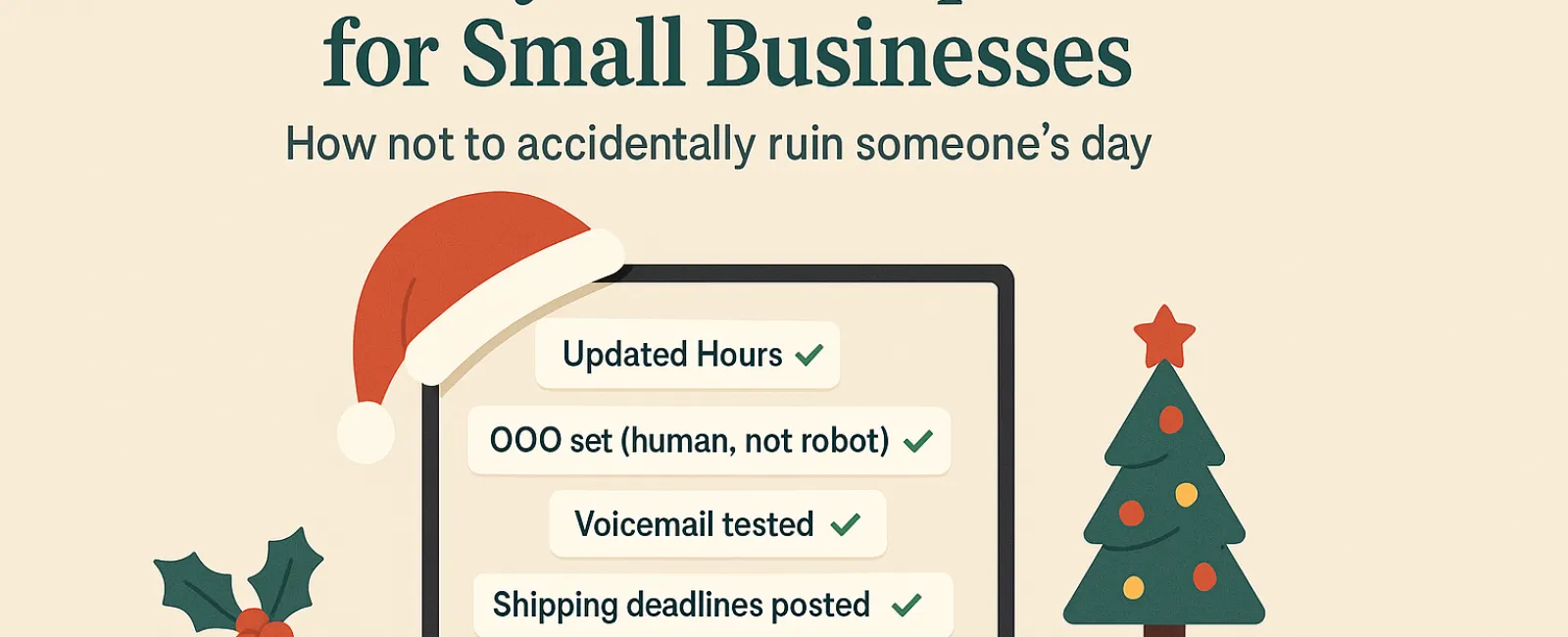
The holiday season brings enough stress without adding tech troubles to the mix. Customers are rushing to complete last-minute tasks, employees are balancing family demands, and expectations are higher than ever. The last thing you need is to frustrate anyone with avoidable technology hiccups.
Consider this your Holiday Technology Etiquette Guide—because no business wants to be remembered as the one that spoiled someone's day.
1. Update Your Online Hours Before the First Frustrated Call
Imagine a customer rushing across town during their lunch break, relying on Google to find you open, only to encounter locked doors and dark lights. Congratulations, you've unintentionally become someone's holiday letdown.
Make sure to update:
- Your Google Business Profile—the primary source
- All your social media platforms like Facebook, Instagram, and Yelp
- Your website banner with clear holiday hours
- Your Apple Maps listing—yes, it's still widely used
Try this friendly notice: "Happy Holidays! We're closed from Thursday, Nov. 28 through Sunday, Dec. 1 to enjoy time with family. We'll reopen Monday morning, likely with a turkey hangover but ready to serve you!"
2. Craft Warm, Human Out-Of-Office Replies
If you're taking a holiday break, don't leave your customers waiting endlessly with cold auto-replies. Think of your autoresponder as a welcoming host—professional yet personable.
Example message: "Thank you for reaching out! Our office is closed for Thanksgiving from Nov. 28 to Dec. 1. We'll get back to you as soon as we're refreshed and ready. For urgent matters, please call our support line at (XXX) XXX-XXXX. Warmest holiday wishes to you and yours!"
3. Keep Out-Of-Office Messages Concise and Professional
Resist the urge to share every detail of your holiday plans. Customers don't need to hear about Aunt Carol in Denver, office managers flying off to Cancún, or Bob's Friendsgiving itinerary.
Besides oversharing, it can create unnecessary security risks. Focus on dates, response expectations, and alternative contacts. Save personal stories for social media posts.
4. Verify Your Phone System Before It Tests Your Customers' Patience
Holiday callers are often in a hurry and already stressed. Ensure your voicemail greeting accurately reflects your current hours and doesn't send callers on frustrating detours.
Pro tip: Call your business number yourself. You'd be surprised how many greetings haven't been updated since 2019.
Suggested voicemail message: "You've reached [Business Name]. We are currently closed for the holiday weekend. Please leave a message, and we'll return your call Monday morning. For urgent assistance, press 1 to reach our on-call team. Happy Holidays and thank you for your patience!"
5. Clearly Communicate Shipping Deadlines Early
If your business handles shipping or deliveries, prominently display order deadlines on your website and send timely reminder emails to avoid last-minute panic.
Late packages can frustrate customers, but unmet expectations can damage relationships. No one wants to explain why a thoughtful anniversary gift is arriving in January.
The Takeaway: Polite Tech Practices Lead to Happy Customers and Thriving Business
Holiday technology etiquette is straightforward—it's about clear communication, showing humanity, and valuing your customers' time. A few simple updates can eliminate frustration and keep your business shining bright throughout the season.
Remember, the goal isn't just to prevent issues—it's to make your customers feel cared for even when you're away.
Need assistance ensuring your systems and customer experience remain top-notch this holiday? Call us at 866-523-2985 or click here to schedule your free 15-Minute Discovery Call. Let's explore simple strategies to keep operations smooth while you enjoy well-earned time off.