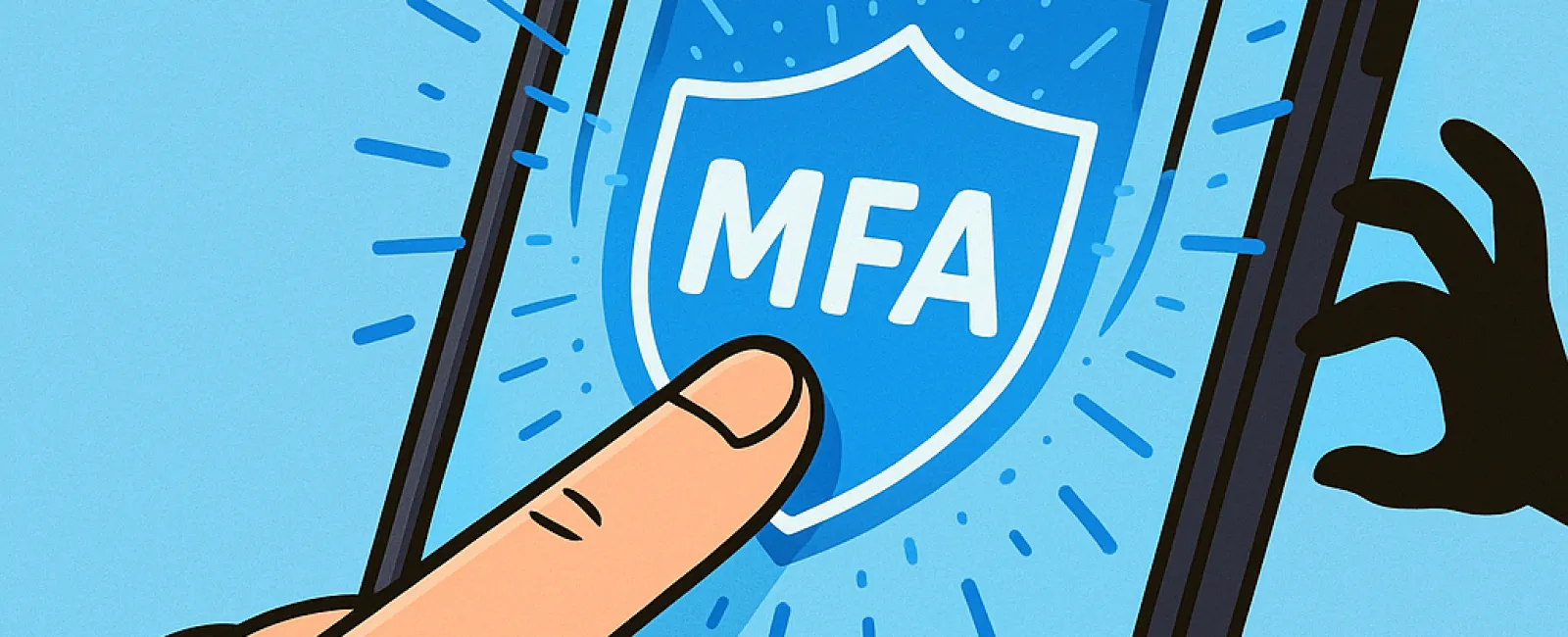
Imagine going online without a seat belt or leaving your office door open overnight. That's as risky as browsing the internet without multifactor authentication (MFA). Why take that chance?
MFA acts like a second lock on your digital front door. Instead of depending solely on a password—which can easily be stolen, guessed, or phished—it layers on extra security like a text message code, authentication app, or fingerprint scan. Even if a cybercriminal gets your password, without that second verification step, access is denied.
Just One Extra Step Can Shield You From Cyber Threats
Think of your password as locking your front door at night. MFA is that added security alarm system you activate before going to bed. It might feel optional, but it's invaluable when a single defense fails.
MFA adds a simple, quick step to confirm it's really you logging in. It goes by many names—"two-step verification," "two-factor authentication," or "one-time password"—but the concept is the same: requiring two or more proofs of identity before unlocking sensitive data.
MFA can come in various forms including confirmation emails during account setup, security questions for banks, text message codes, push notifications, or phone calls. Most options are just a tap or a quick code entry away.
Real-Life Examples Where MFA Stops Hackers
While MFA adds only moments of effort for you—clicking a button or typing a code—hackers face much bigger obstacles. If someone tries logging into your account without permission, MFA triggers an alert or sends a code to you first. This early warning lets you change your password before any data is compromised.
It also blocks unauthorized access even if a password is stolen or shared. For example, if an employee's credentials are phished, the hacker still can't get in without that second verification step. In fact, Microsoft's research reveals enabling MFA reduces account breaches by more than 99.2%, and up to 99.99% when fully implemented.
Where to Enable MFA and How to Get Started
Prioritize MFA on these critical accounts:
- Banking and financial applications
- Email and cloud storage services
- Social media platforms
- Work-related logins, especially those with client or sensitive data
Activating MFA is typically quick and user-friendly. Most major platforms support built-in MFA options—simply choose the method that fits you best and integrate it into your routine. Using an authenticator app can significantly enhance security for employee logins.
MFA offers a fast, cost-free way to prevent the vast majority of account hacks. Investing just a few minutes now to enable it can save you from months or even years of frustrating recovery and data loss later.
The simplest path to set up MFA is to reach out to your IT provider. A knowledgeable managed service provider (MSP) will streamline the entire process. Need expert cybersecurity help? Click here or call us at 866-523-2985 to arrange a 15-Minute Discovery Call with our team today.